Duplicate Files: Local Cleanup · macOS
Find the copies. Keep the originals.
Review duplicate photos, videos and files across folders on your Mac. Compare first, then choose what to move. All analysis stays on your Mac.
Download free on the Mac App StoremacOS 13+ · No account required · In-app purchases
See what you can clean up
Review exact duplicates in groups, check file paths and see the estimated cleanup size.
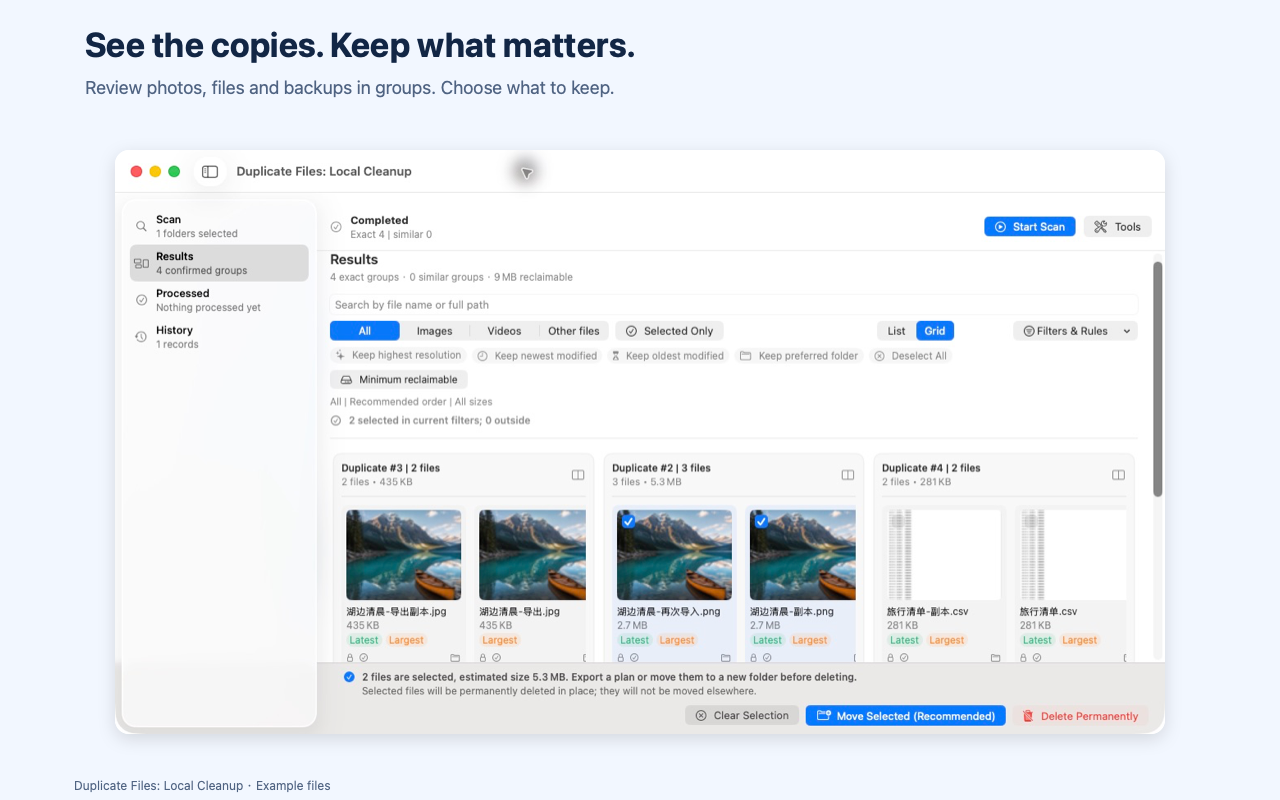
Compare before you choose
Inspect photos with synchronized zoom and a comparison divider. You decide which copy to keep.
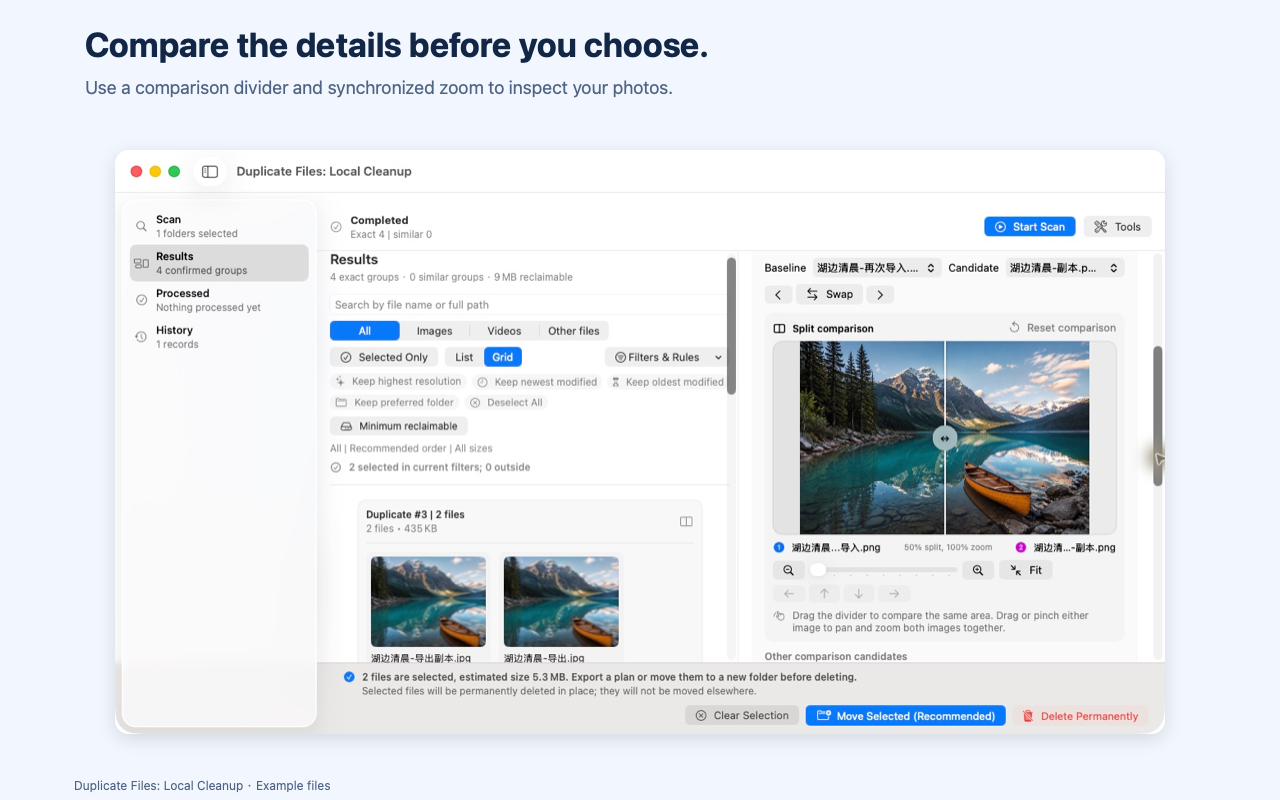
Confirm each move
Check the destination and affected files before moving. Blocked items stay visible for review.
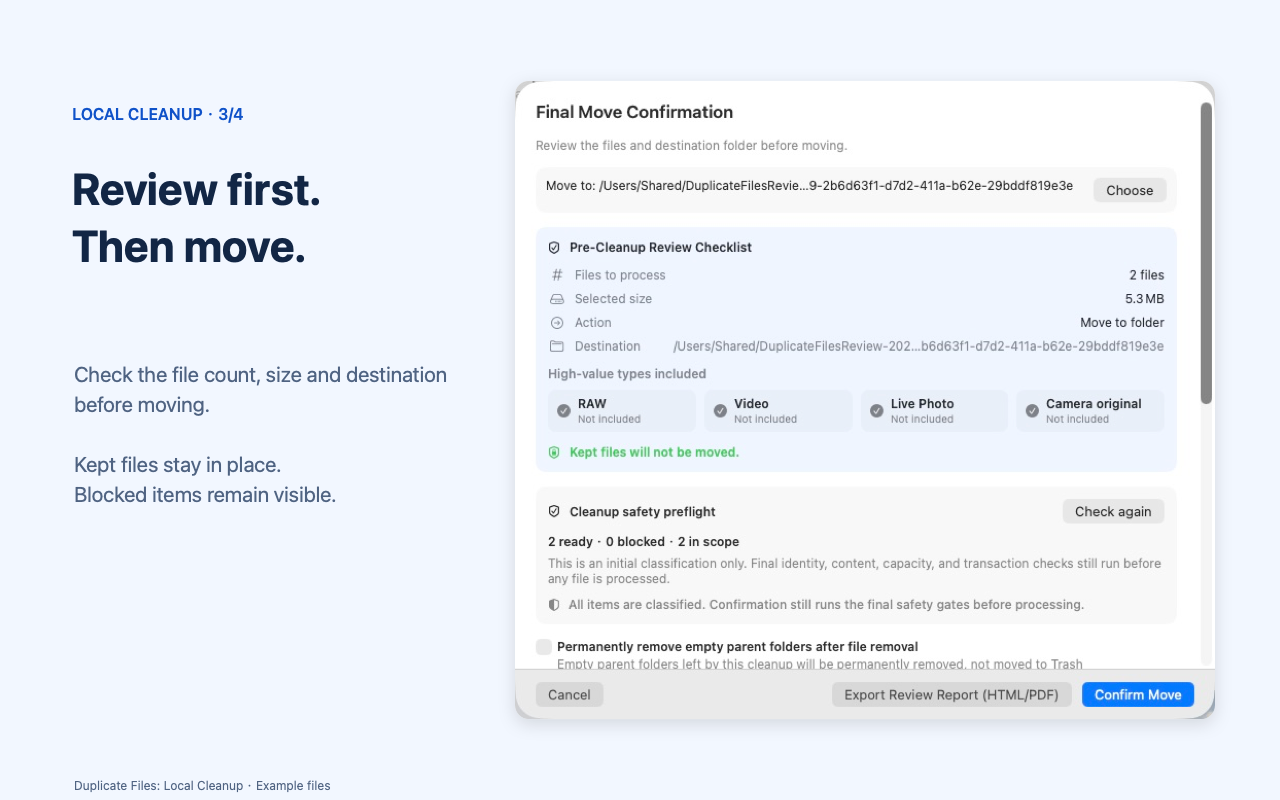
Review before restoring
Check the original and current locations, then restore the files that are still available.
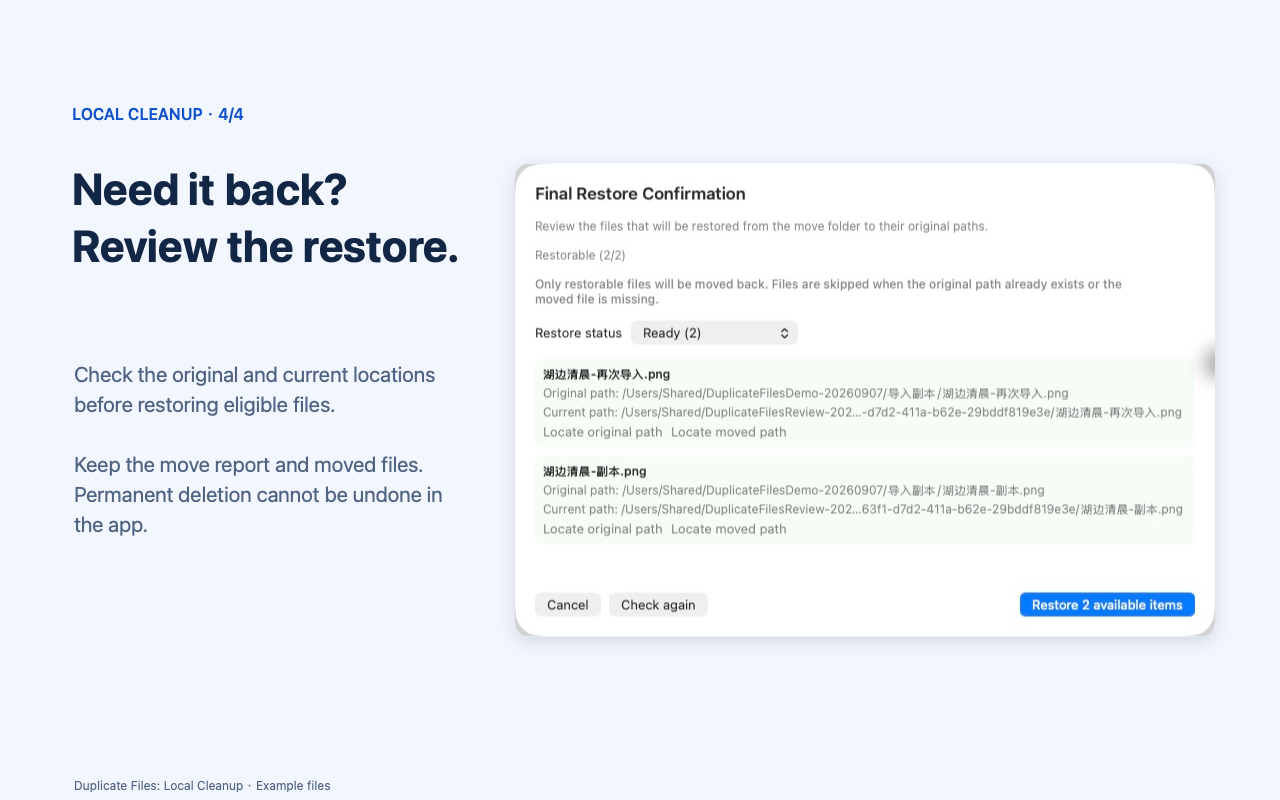
Start with a free scan
Every free scan includes up to 3 folders and 3,000 files, totaling no more than 33 GB. All three limits apply. Choose a smaller scope to continue for free. Pro supports scans above these limits; current purchase options and prices are shown in the app.
Know what will change
Photos Library scans are read-only. Cleanup actions apply to supported files in selected folders. Restoring a move requires its report and the moved files to remain available. Moving files within the same disk does not itself free disk space. Permanent deletion cannot be undone through the app.
Your files stay on your Mac
The app does not upload your files, paths or scan reports, and does not collect analytics. Photos Library access requires your system permission.
Download free on the Mac App Store ↗