本地 OCR · 隐私打码 · 原生 macOS
截图文字,一键变成可复制内容
截图、识别、标注、打码与导出,在一个原生 Mac 工具里顺手完成。截图和 OCR 默认在本机处理。
无需账号 · 无广告 · 无第三方跟踪 · macOS 14 或更高版本
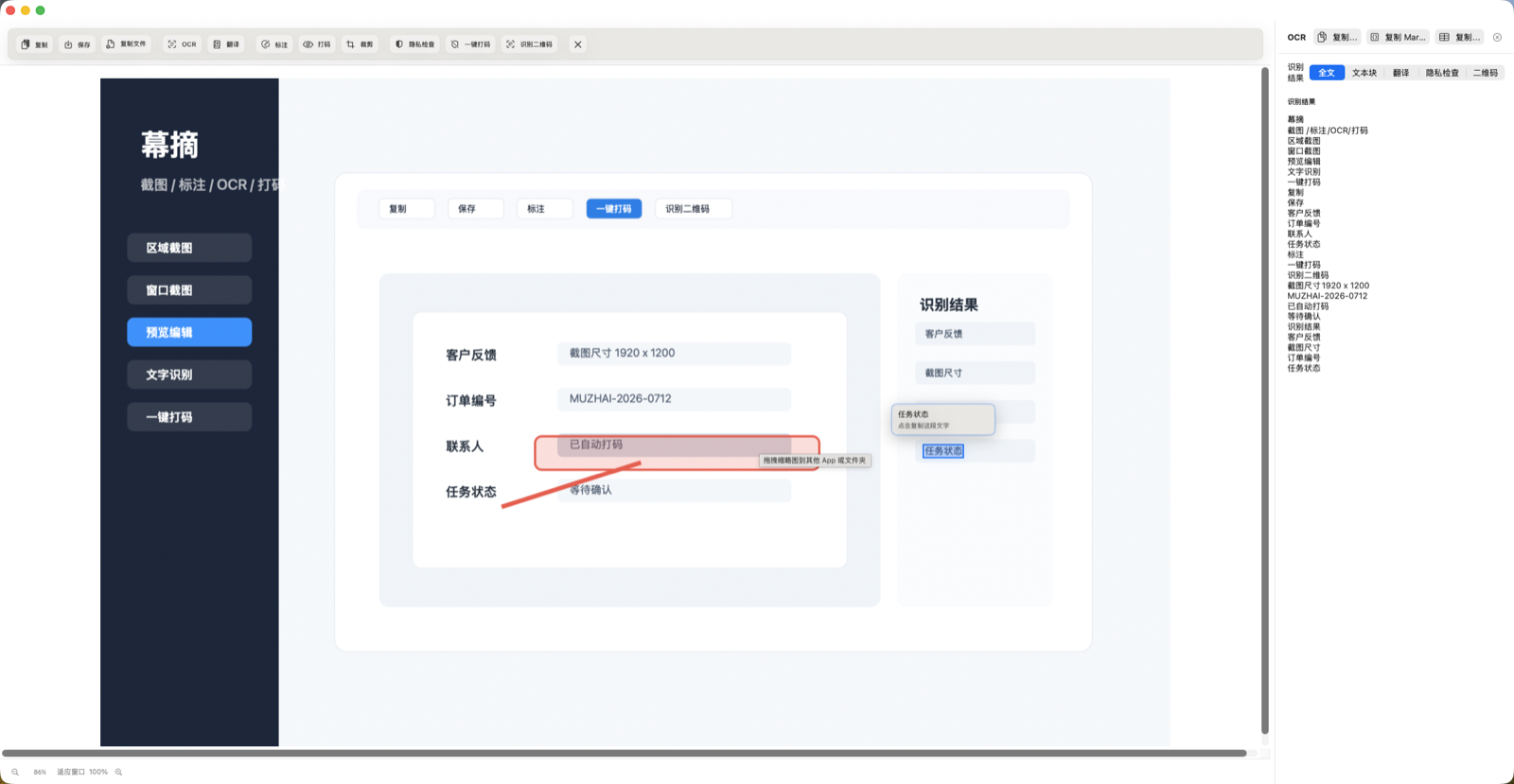
- 本地优先 截图、OCR、标注和录屏默认留在你的 Mac。
- 打开就能用 无需注册账号,核心截图与处理工具免费可用。
- 原生工作流 支持 Apple Vision OCR 与 macOS 系统翻译。
从截图到分享
常用步骤,不必在多个应用之间来回切换
幕摘围绕真实的截图后处理流程组织功能,而不是把工具散落在不同窗口里。
-
01
截取后直接预览与标注
支持选区、窗口和全屏截图。完成选区后继续调整,再添加文字、箭头、形状与高亮。
-
02
识别文字与二维码
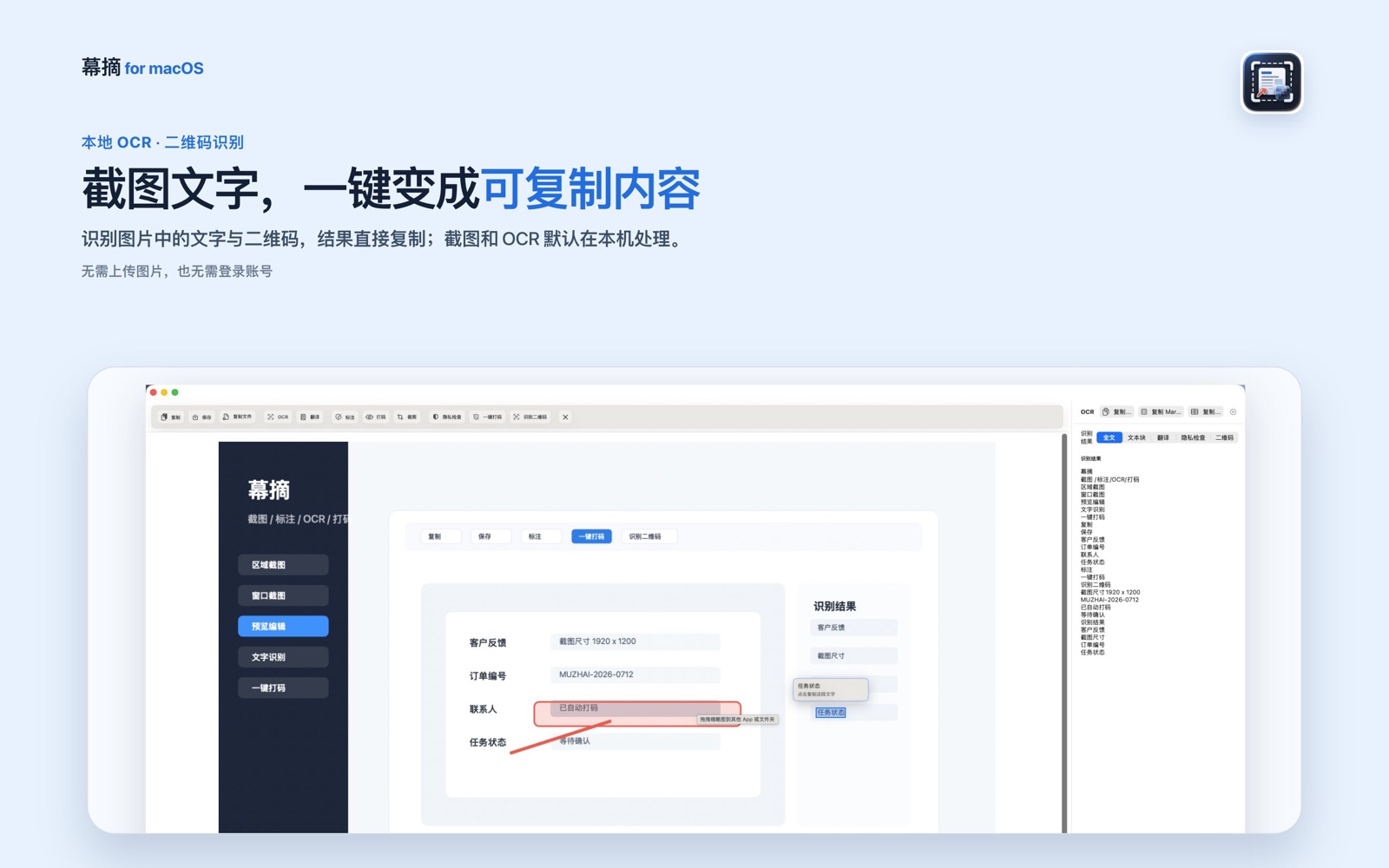
使用 Apple Vision 在本机识别截图或导入图片中的文字和二维码,并直接复制结果。
-
03
分享前处理敏感信息
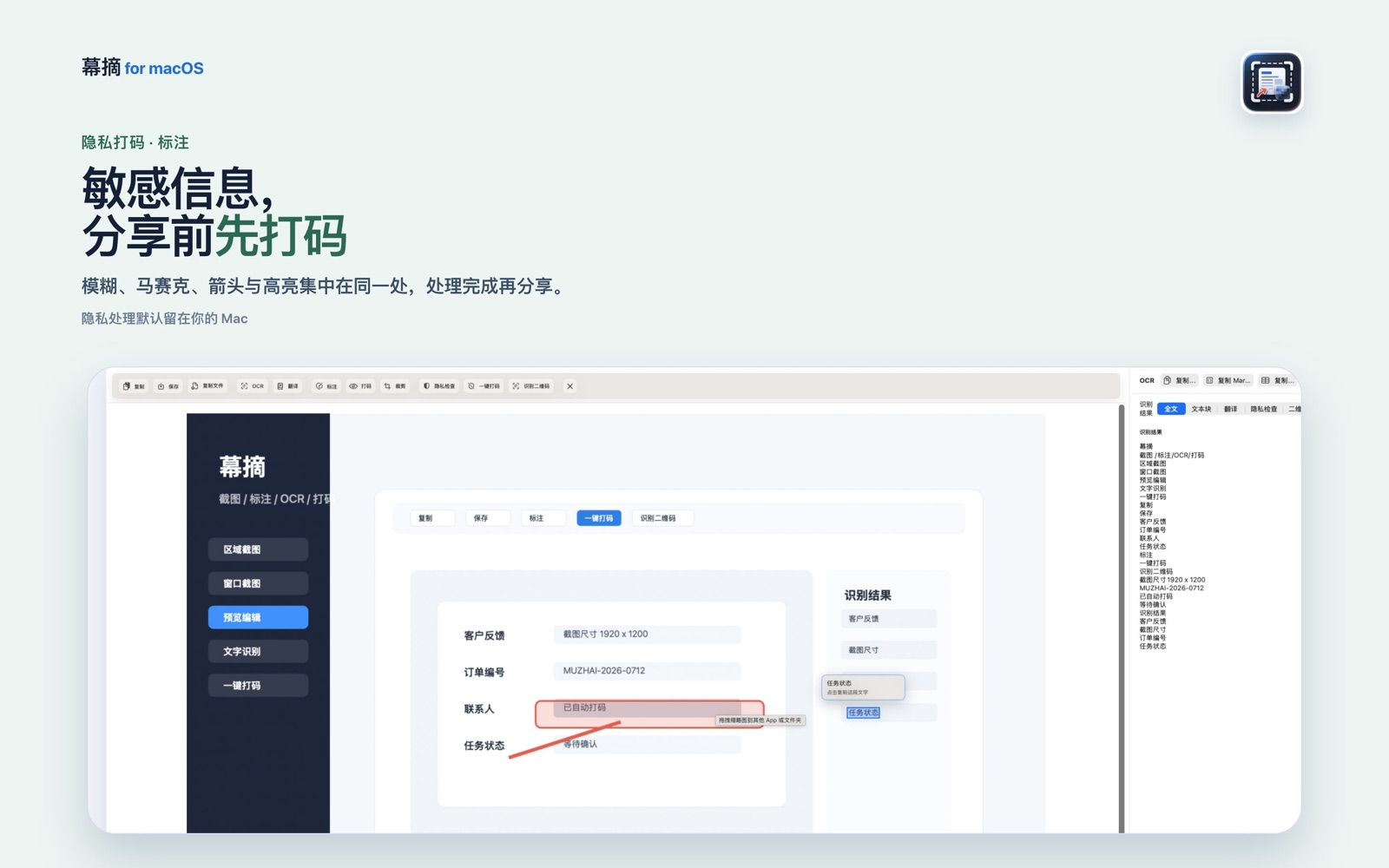
使用模糊、马赛克与隐私检查处理敏感内容,再复制、保存或导出常用格式。
真实应用界面
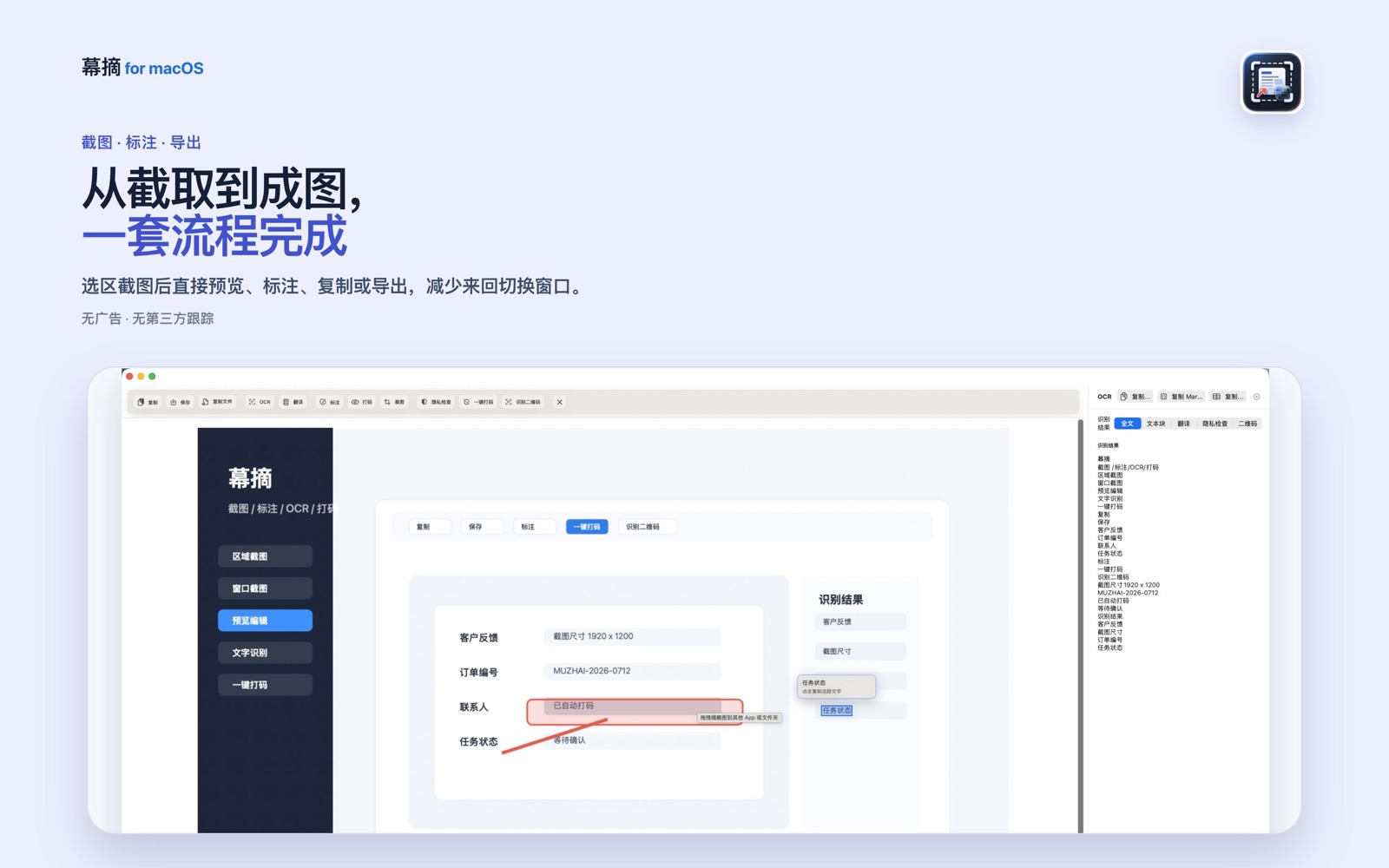
看得清楚,下载前就知道怎么用
Local-first
你的截图,不需要先经过别人的服务器
截图、OCR 文本、标注、打码、最近截图和录屏主要在本机完成。幕摘不包含广告 SDK、第三方分析 SDK 或跨应用跟踪。
翻译使用 macOS 15 或更高版本提供的 Apple 系统 Translation framework;幕摘不会把翻译文本发送到开发者服务器或外部 AI 服务。
阅读完整隐私政策产品与支持
安装前后常见问题
这里保留系统要求、权限、购买恢复与排障说明。需要人工协助时,可以直接发送邮件。
系统要求与权限
幕摘支持 macOS 14 或更高版本。截图和录屏需要 macOS“屏幕录制”权限;可选麦克风旁白需要“麦克风”权限。Mac App Store 版本不需要辅助功能权限。
如果截图权限异常,请在“系统设置 > 隐私与安全性 > 屏幕录制”中允许幕摘,然后退出并重新打开应用。
完整功能与导出格式
- 选区、窗口、全屏截图和本地图片导入。
- 本地 OCR、区域识别、文本块复制和二维码识别。
- 文字、箭头、矩形、编号、高亮、模糊与马赛克。
- PNG、JPEG、WebP、HEIF、PDF 等格式导出。
- 用户主动触发的 MP4 / GIF 录屏和可选麦克风旁白。
翻译、购买与恢复购买
翻译需要 macOS 15 或更高版本,并取决于 macOS 系统翻译支持的语言。无需账号或第三方服务配置。
Mac App Store 版本通过 Apple StoreKit 购买和恢复购买。免费版本可使用核心工具,应用内购买用于移除每日截图次数限制;幕摘不会保存银行卡信息。
English support
Muzhai requires macOS 14 or later. Screenshots and recording require Screen Recording permission; optional narration requires Microphone permission. Apple system translation requires macOS 15 or later.
Muzhai is local-first, requires no account, and does not include advertising or third-party tracking. For support, email [email protected].
还没有解决?
说明你的 macOS 版本、操作步骤和看到的错误,我们会尽快回复。